Are you paying for Microsoft 365 licences you don't use?
Many businesses quietly overpay for Microsoft 365 — for leavers, over-specced plans and add-ons nobody uses. A plain-English guide to right-sizing your licences and cutting the monthly bill.
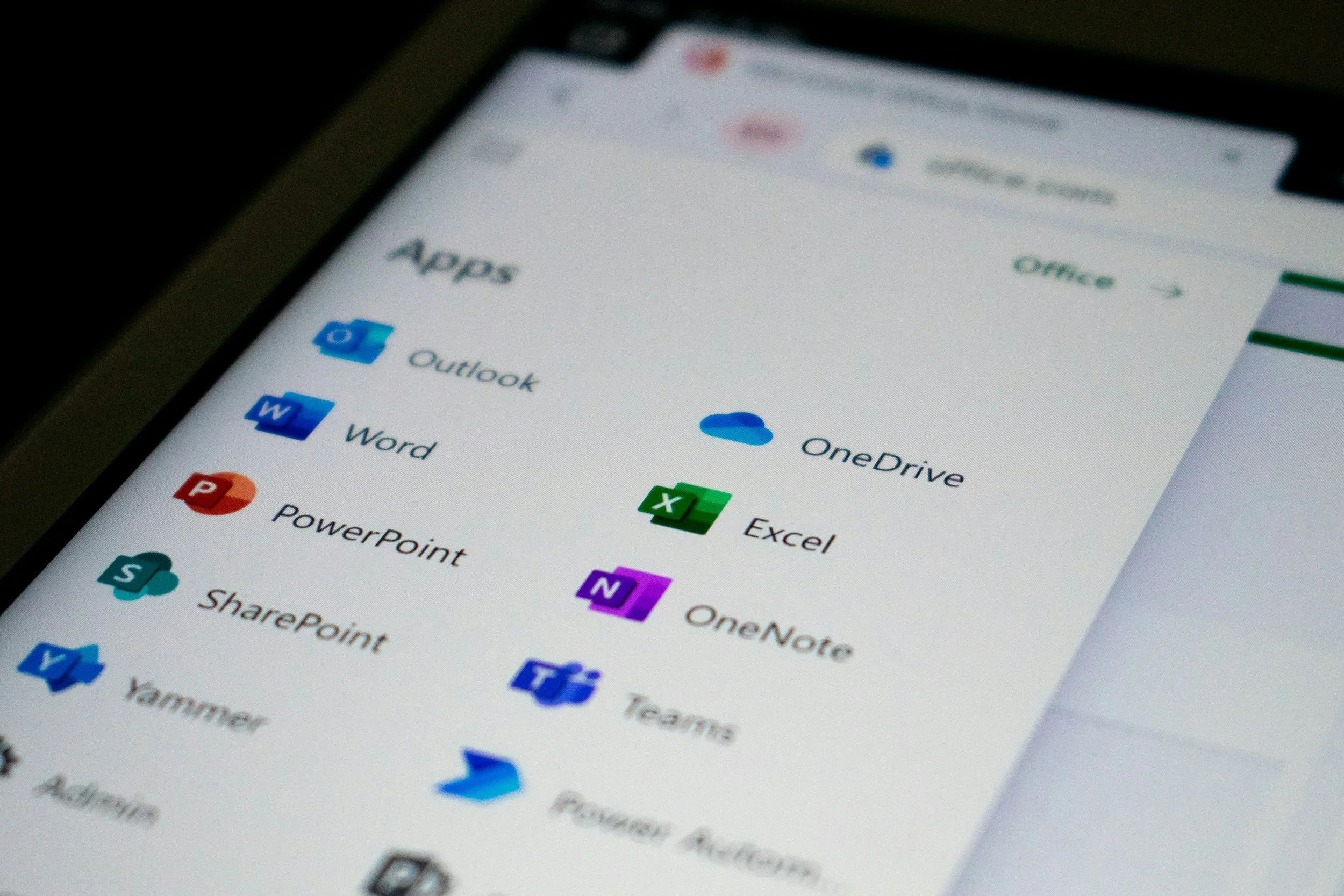
Microsoft 365 is brilliant value when it's set up to match how your business actually works. The trouble is, it rarely stays that way. Teams change, people leave, plans get upgraded "just in case", and the monthly bill quietly creeps up. Most businesses we review are paying for something they don't need.
Here's where the money usually leaks — and how to claw it back without losing anything that matters.
Licences for people who've left
This is the most common one. When someone leaves, their licence often keeps billing month after month because nobody switched it off. You don't need to delete the account or lose their emails and files — you can keep the data safely without paying full price for an active licence.
Quick win: cross-check your active licences against your current team. Any name you don't recognise is money back.
Paying for a bigger plan than you use
Microsoft offers several tiers, and it's easy to end up on a more expensive one than your business actually needs — often because it was chosen years ago, or bundled in by a previous supplier. Many businesses on premium plans are using a fraction of the features.
Quick win: look at what your team genuinely uses day to day. If nobody's touching the advanced extras, a lower tier could do the same job for less.
Add-ons and tools nobody opens
Extra storage, standalone apps, duplicate tools that overlap with something you already have — these stack up. It's worth asking, for each paid extra: is anyone actually using this?
Monthly vs annual
Paying monthly gives you flexibility, but paying annually is usually cheaper per licence. If your headcount is stable, committing annually for your core users can shave a useful amount off the total.
One important caveat: don't cut the wrong things
Right-sizing is about removing waste — not stripping out the things that protect you. Multi-factor authentication, sensible security settings and a proper backup of your 365 data are not the places to save money. (Yes, you still need a separate backup for Microsoft 365 — Microsoft looks after their service, but recovering your data is your responsibility.)
The goal is simple: pay for what you use, protect what matters, and stop paying for the rest.
How to sort it
You can do a lot of this yourself with an afternoon and a spreadsheet. But if you'd rather someone just went through it with you, a licence review is quick and almost always pays for itself. We regularly find businesses savings they didn't know were there — and make sure nothing important gets switched off in the process.
Curious what you could save?
Book a free IT review and we'll map it out for you.